Ugh. God Rays. The Third.
by oddlittleturtle
No longer maintained. Either use or do not.
QUESTIONS
discord.gg
OTHER MODS
oddsmods.xyz
LOAD ORDERS
oddlittleturtle.com
Like it? Rate it!
OVERVIEW
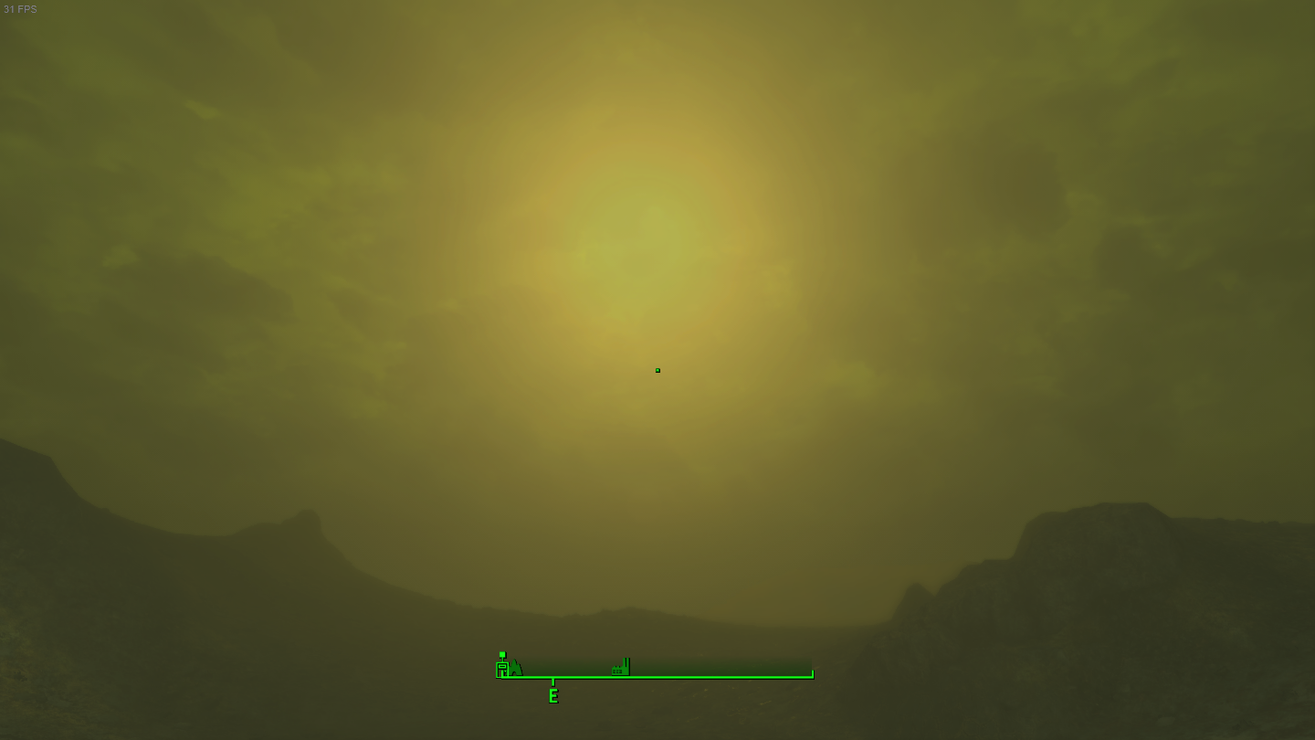
Are you as annoyed by the pixellation in god rays and lens flare as I am? They’re fine at Ultra Settings; they look awesome, but are very resource heavy. Not do-able on console without breaking things and definitely not available to PS4 due to the requirement of an external file to turn on the setting to make them pretty.
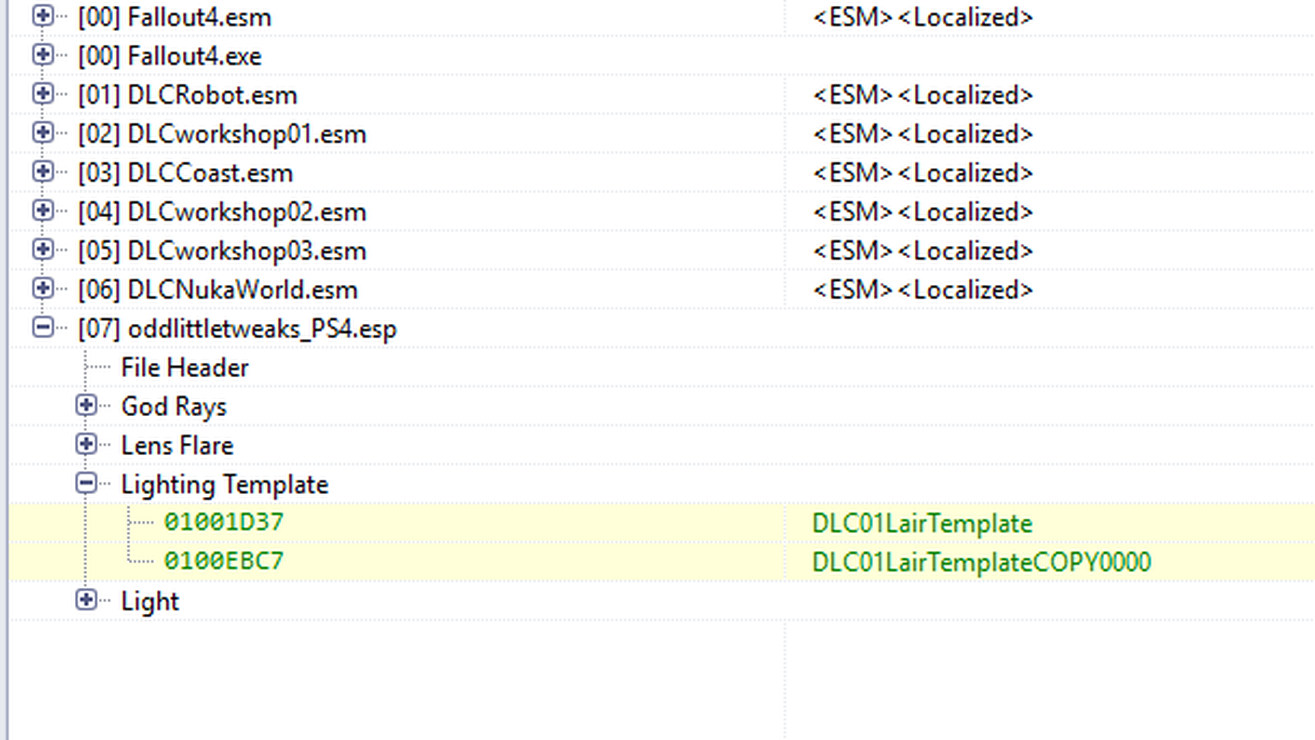
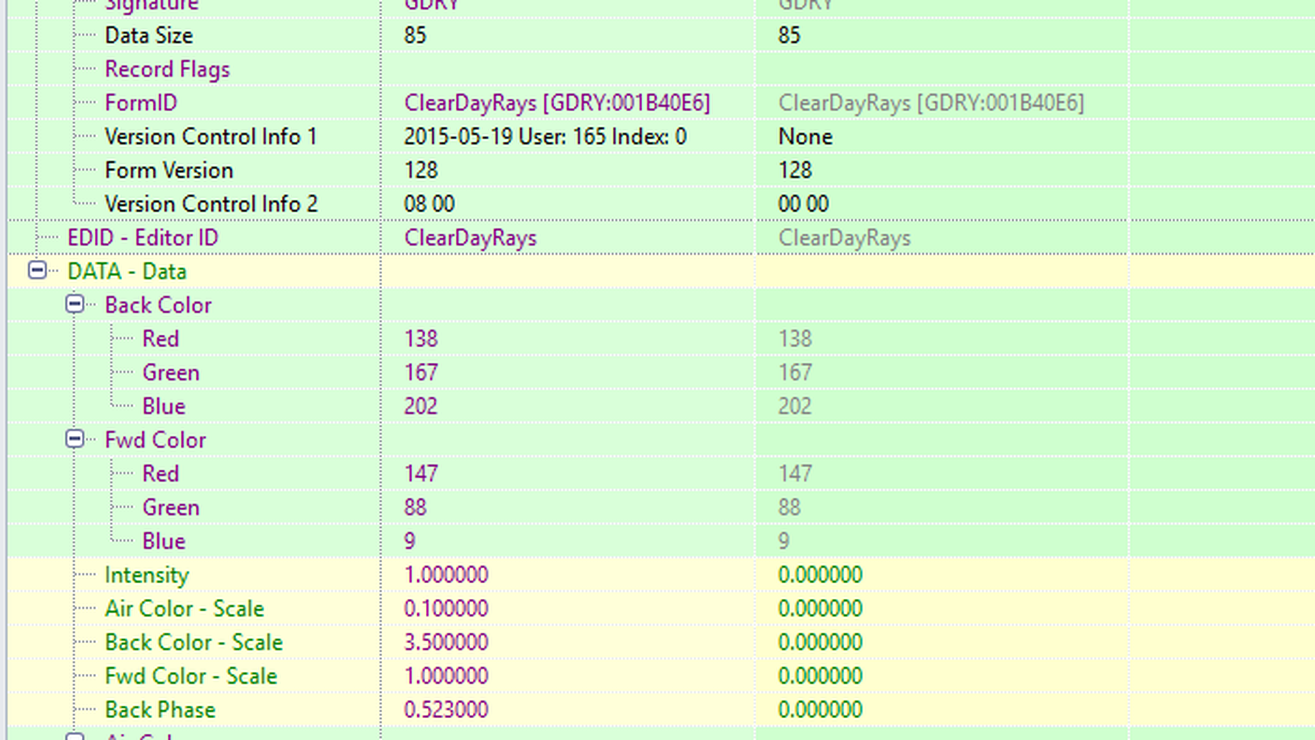
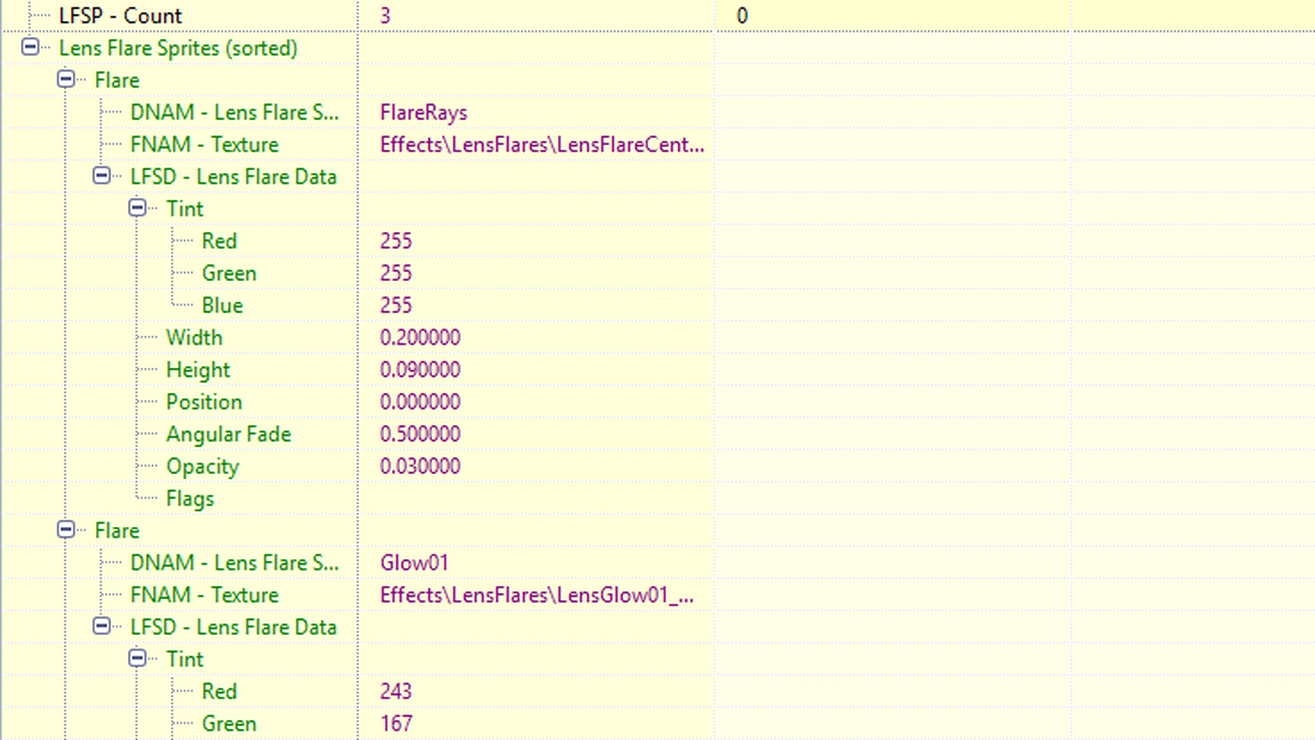
Since there is no pretty, this mod removes the god rays and lens flare in lighting for the base game and the DLCs with world spaces. Nothing more, nothing less.
Requested by Desslok2870
REQUIRES
All DLC/Season Pass/GOTY
NOTES
There are some individual interior cells that have god rays attached. No cell edits were made in order to preserve the precombine and previsual time stamps and for compatibility purposes with other mods. You will still get god rays in some interior cells because of this.
Test this mod on a throw-away character before adding it to your existing/main save. You may not like it. It does not make your game very pretty, and it is not a performance mod. This is a visual mod just like my other god rays and lens flare mods for Xbox.
God rays in weather will still render but should be invisible. (Thus not a performance mod. Same occurs with Nytra’s.) Removing god rays from weather caused visual weirdness around the moon at night.
I do not support uninstalling a mod in the middle of play through and continuing on the same save.
Consider this a lighting overhaul.
LOAD ORDER
Place below lighting mods.
For general questions about Load Order or assistance: discord.gg
COMPATIBILITY
Not compatible with mods that affect god rays or lens flare (they are not going to show up anywhere but the few interior cells), or the lighting template at Mechanist’s Lair.
Not compatible with Nytra’s performance mods.
Not compatible with lighting mods. Had to remove lens flare and god rays from lights in order for this to work properly.